
Build
smarter
AI
agents
that
Automate
Execute
Manage
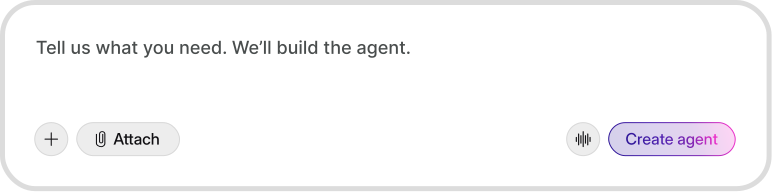
Define the goal, connect your workflows, and let agents do the work while you focus on decisions that matter.





What breaks in real teams

Too many repetitive questions and tickets daily
Context spread across docs, chat, and tools
Inconsistent replies and unclear next steps often
Automation without visibility creates a serious risk
No insight into what keeps repeating


How agents solve it

Handle repeat requests faster with agent templates
Read context inside your existing tools seamlessly
Standardize responses and actions with rules
Require approvals and keep clear audit trails
Use analytics to spot patterns and fix gaps

Start with an agent built for your work
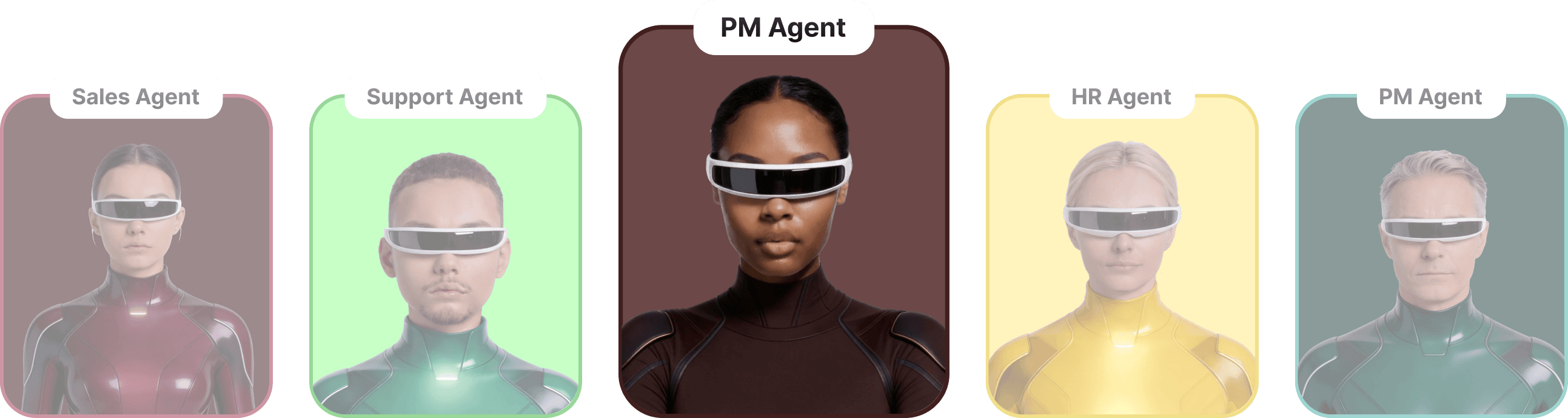
PM agent template
Turn notes into PRDs, generate release notes, and keep Jira updates consistent.
PRD structure: problem, scope, UX, edge cases
Decision summaries with links back to sources
Status updates written for stakeholders




HR agent template
Answer policy questions, assist onboarding, and draft HR documents
Policy-safe responses with “when to escalate”
Onboarding checklist and role-specific guidance
Drafts emails, letters & announcements
Support agent template
Deflect common questions, draft replies, route edge cases, and keep internal notes clean.
Pulls answers from docs and past tickets
Triage rules: priority, tags, and escalation
Writes customer-ready responses in your tone


How it works
Connect sources, choose a template, and deploy with rules that your team can trust.
Add knowledge and boundaries

Bring your docs, help center, and internal pages. Define what the agent can use and what it must avoid.
Pick a template and set rules
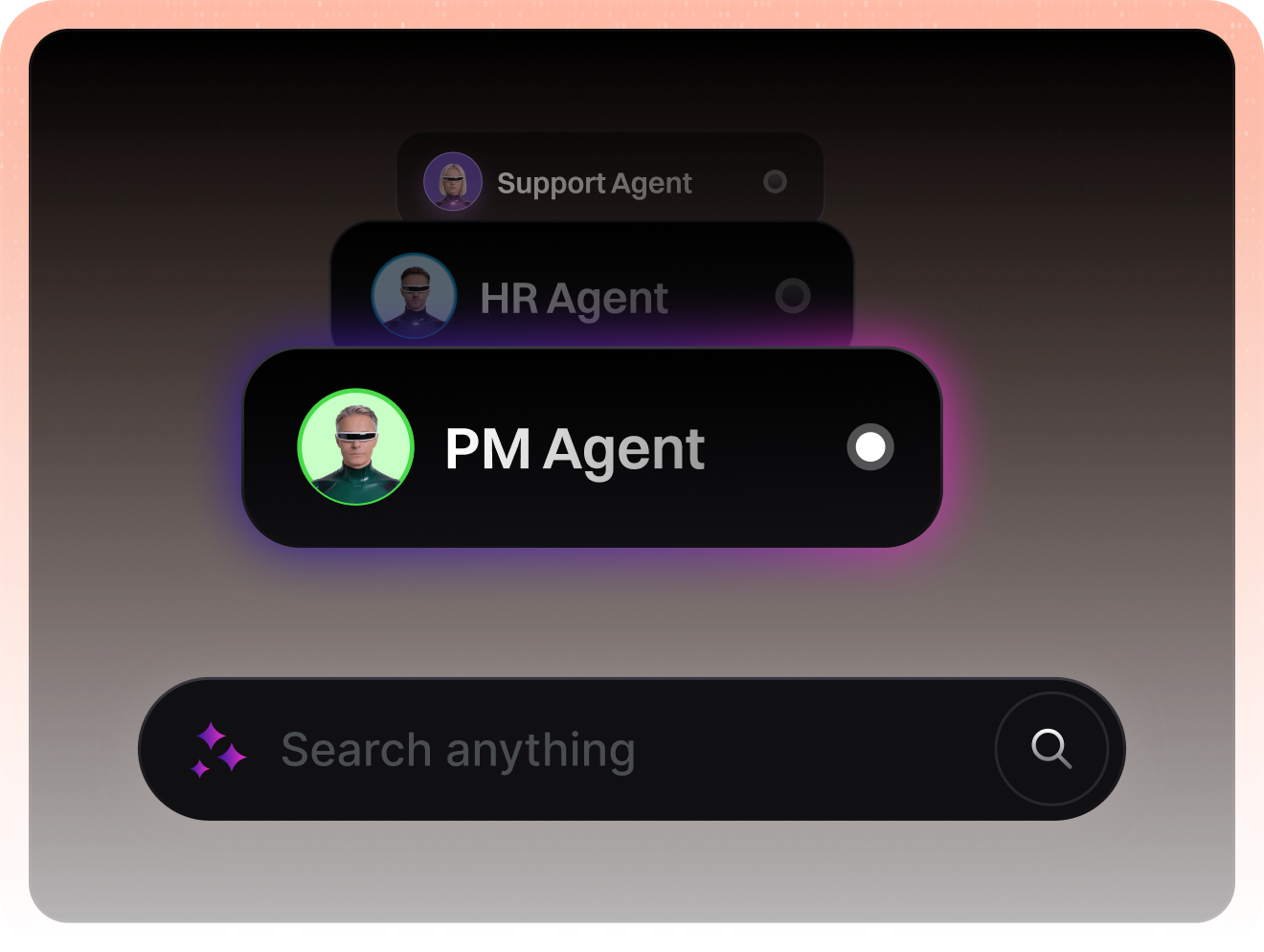
Choose a template, set tone, decide when to escalate, and choose which actions need approvals.
Deploy to channels and tools
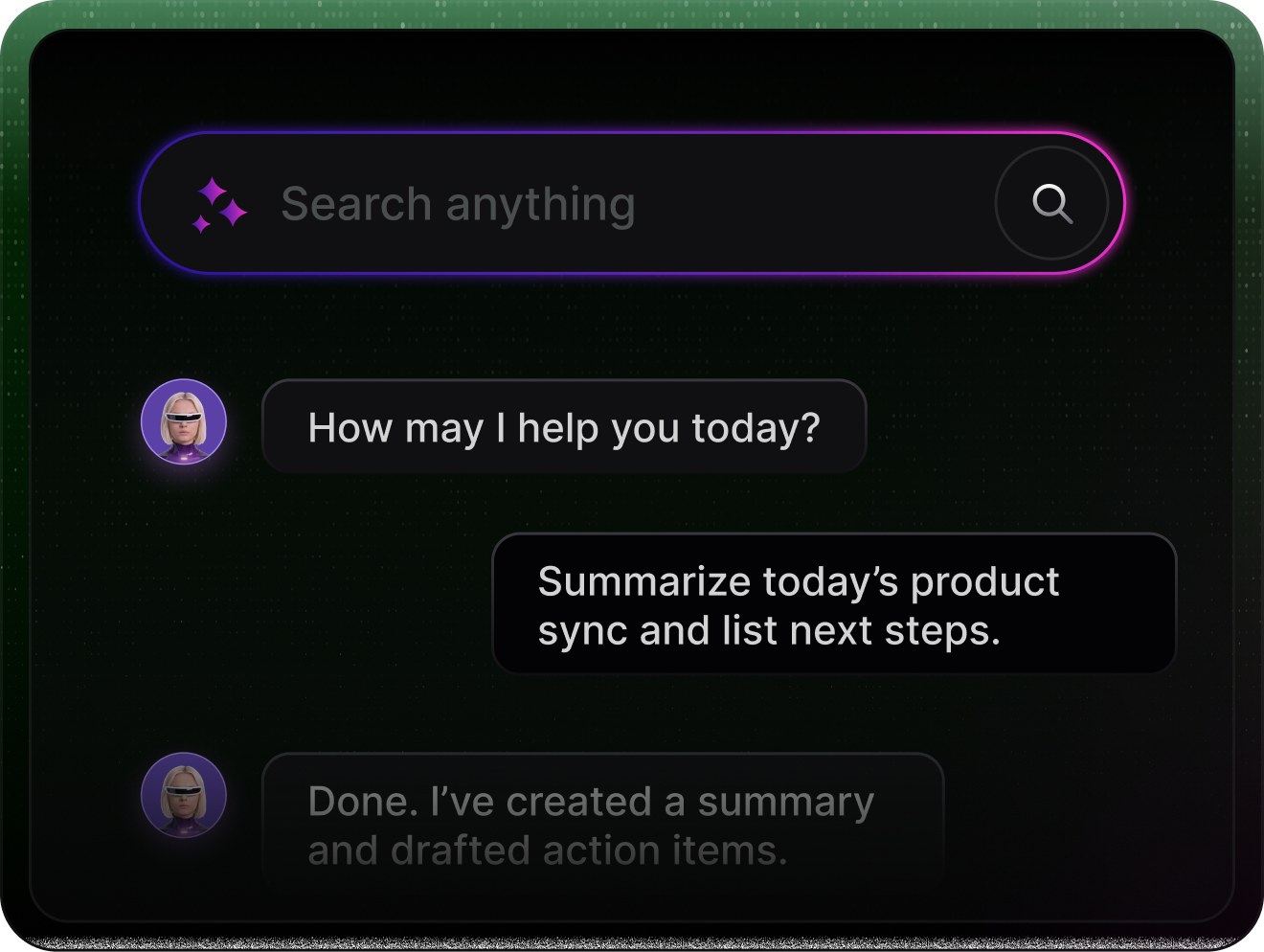
Run agents in chat, helpdesk, or internal workflows. Keep logs so teams can review and improve.


Integrates where your team already works


Built to turn decisions into reliable actions
Generate agents that behave consistently, stay within boundaries, and give teams visibility.
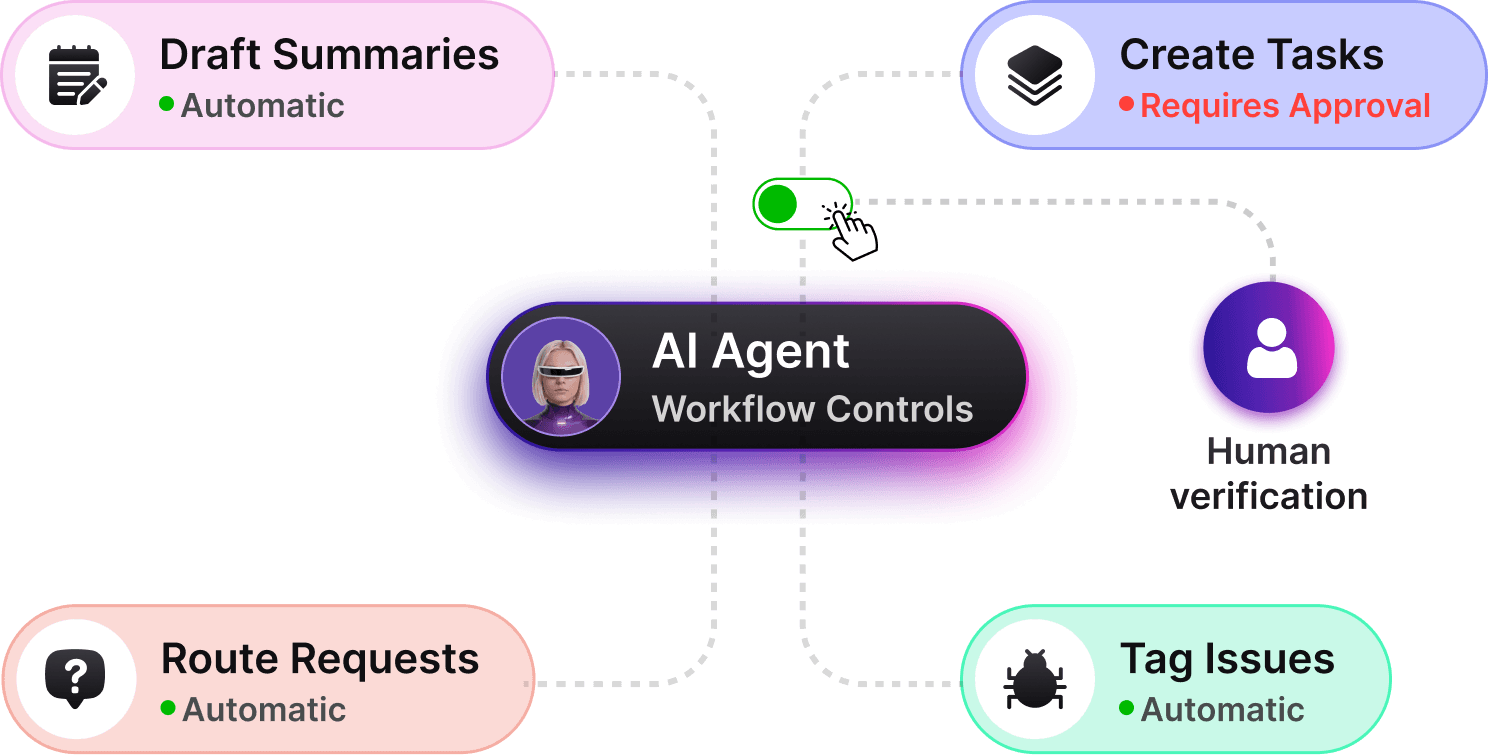
Workflow actions with guardrails
Agents draft summaries, create tasks, and route work. You decide what runs automatically and needs approval.





Source boundaries & context
Limit what agents can access by defining approved sources like docs, help centers, or internal pages.
Workflow actions with guardrails
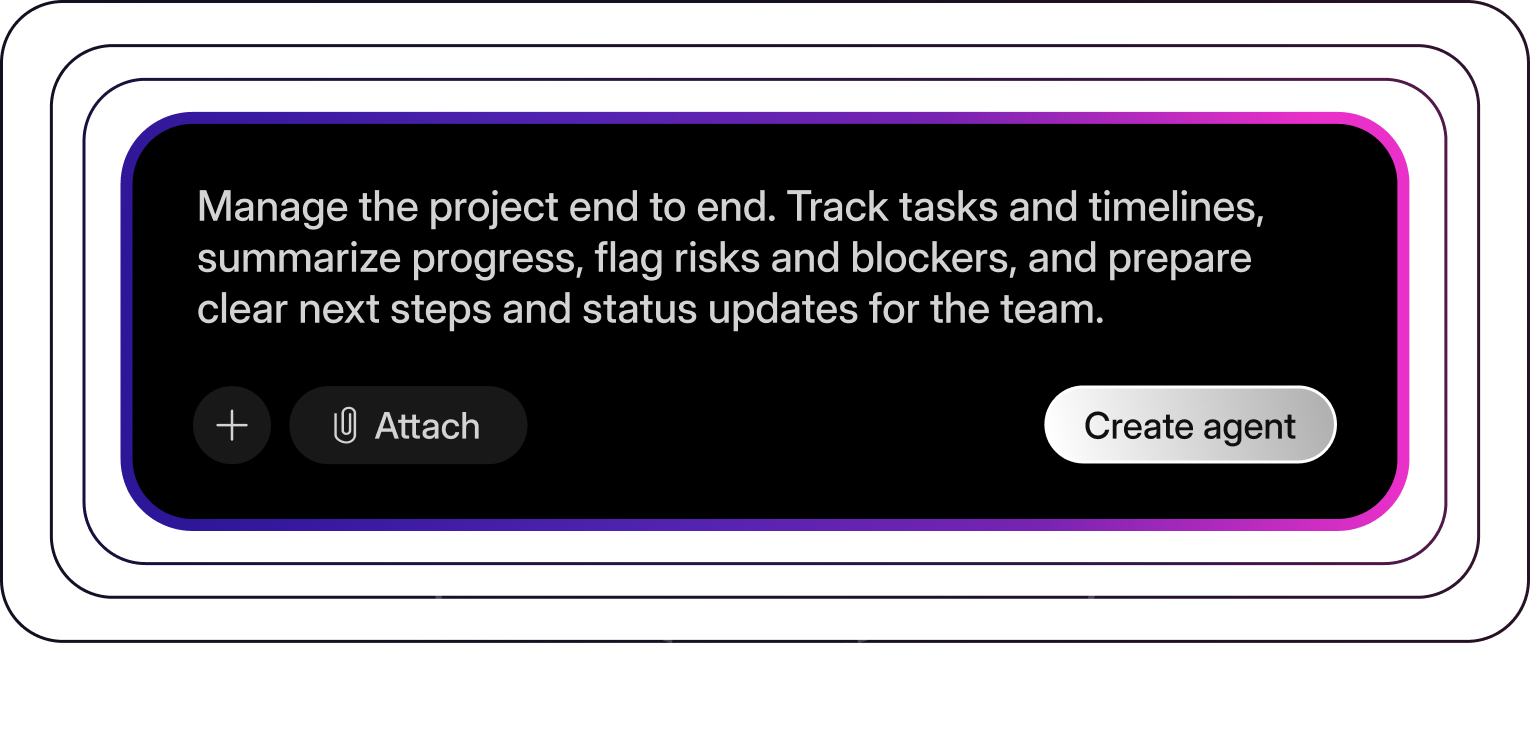
Create agents with ready-made templates or simple rules. Customize behavior without starting from scratch.
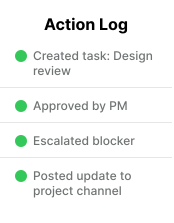
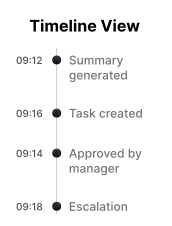
Visibility & audit trails
Every agent action is logged and traceable, so teams can understand what happened and why.






Analytics & improvement
Track adoption, common topics, deflection, and escalation reasons. Fix gaps by improving sources and rules.

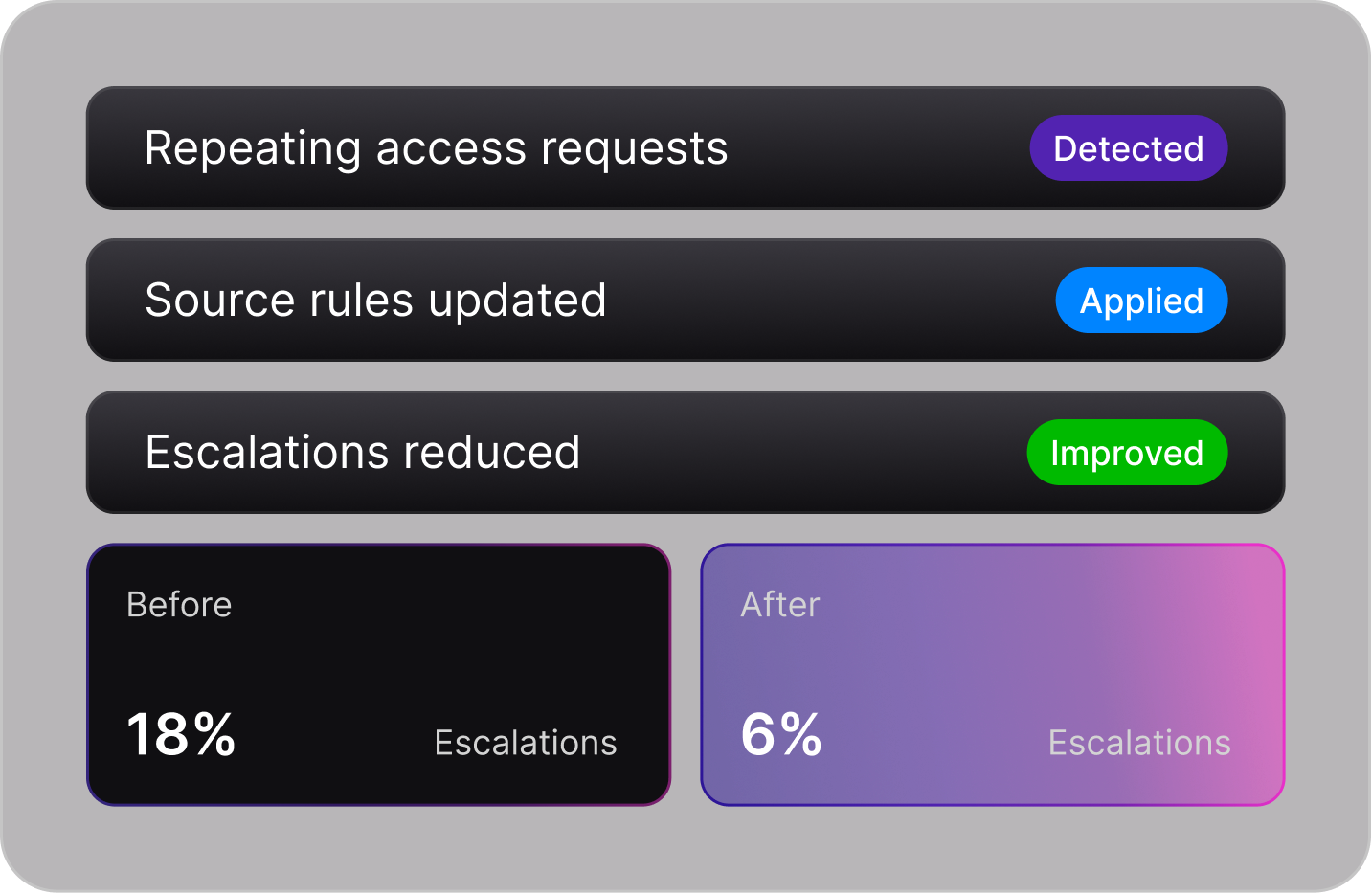


Live demo of common use cases
A real-time chat showing how common team workflows are handled from request to completion.


Example workflow: onboarding + access request


20+
Common workflows automated


5,000+
Users rely on agents every day
10x
Faster handling of repeat requests
Audit everything
Deep insight and auditing into what agents do, what they use, and what they escalate.


Zero data retention & training.
Keep sensitive information out of training and control retention based on your policy.


Reflection
Reflection loops that help agents reflect on results and improve consistency.

Zero data retention & training.
Keep sensitive information out of training and control retention based on your policy.
Reflection
Reflection loops that help agents reflect on results and improve consistency.
Audit everything
Deep insight and auditing into what agents do, what they use, and what they escalate.
Reflection
Reflection loops that help agents reflect on results and improve consistency.
Audit everything
Deep insight and auditing into what agents do, what they use, and what they escalate.
Zero data retention & training.
Keep sensitive information out of training and control retention based on your policy.


Built for control, privacy, and accountability
Agents are designed to operate within clear boundaries, with full visibility and human oversight.


Simple, scalable pricing

1 agent
Ready-to-use templates
Manual approvals only
Basic activity logs
Community support
Up to 10 agents
Custom templates
Human-in-the-loop controls
Basic activity logs
Community support
Includes all Pro plan features
Up to 25 agents
Advanced analytics
All integrations
Higher workflow limits
For organizations that need scale, security, and control.
Unlimited agents
Dedicated audit & analytics
Advanced permissions
Custom guardrails
SSO & compliance support
Dedicated onboarding
Trusted by teams building real workflows


“Agents now handle first responses, summaries, and routing. Our team focuses on edge cases instead of repetitive work.”


“Knowing exactly what the agent did and why made it easy to roll this out across teams without risk.”




Frequently asked questions
What is an AI agent in this product?
An agent is a task-focused assistant that can read context, follow rules, and take actions like drafting responses, creating tasks, or routing requests, with approvals where needed.
How is this different from a chatbot?
Chatbots reply to messages. Agents clarify intent, pull the right context, and complete workflows within defined guardrails and audit controls.
Can I control what agents are allowed to do?
Yes. You define permissions, approval steps, source boundaries, and escalation rules. Nothing runs without the controls you set.
Do agents use my data for training?
No. Your data is not used to train models. You control retention policies and approved sources.
What happens if an agent is unsure?
Agents ask clarifying questions or escalate to a human based on your rules. They don’t guess or act blindly.

Build your first agent today.
Pick a template, connect your tools and knowledge, and deploy with guardrails. Scale to more workflows once the first agent proves value.